


To view the license information of AC500 V3 products:
-
In the Automation Builder device tree, double-click the PLC node.
The PLC tab is opens.
-
In the PLC tab, select “License Information”.
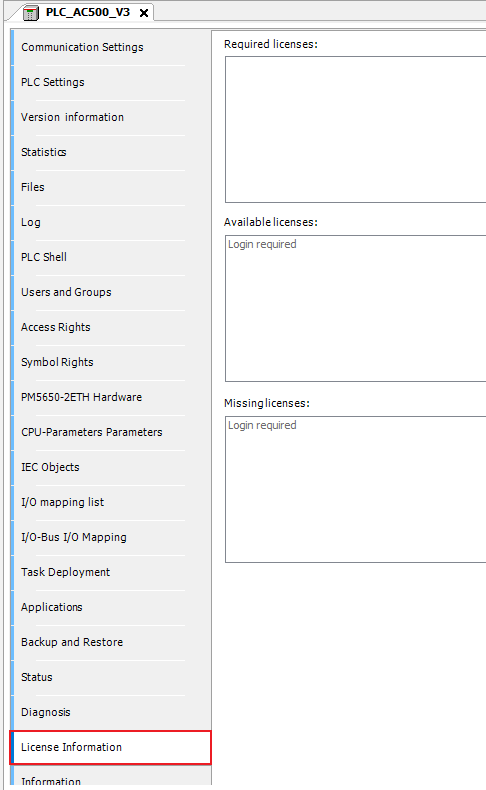
The project is scanned for required licenses.
If you are logged into a PLC, the licenses available on the PLC are displayed.
Missing required licenses are highlighted.